Create a batch and print the label
Step 6 of 6
Video 27 of 27
0:56 min
The video is only loaded from YouTube (youtube-nocookie.com) once you click.
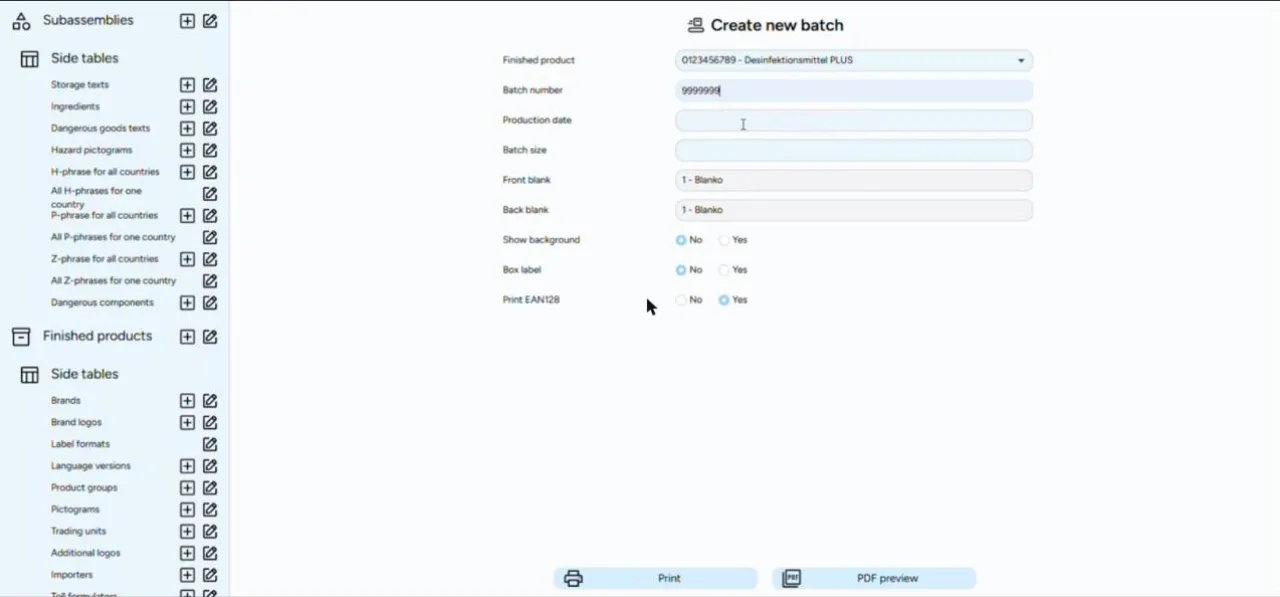
What is it about? In the batch form you generate the print-ready label from a product. A batch is one delivery of a product.
Step by step
- Select the product (finished product).
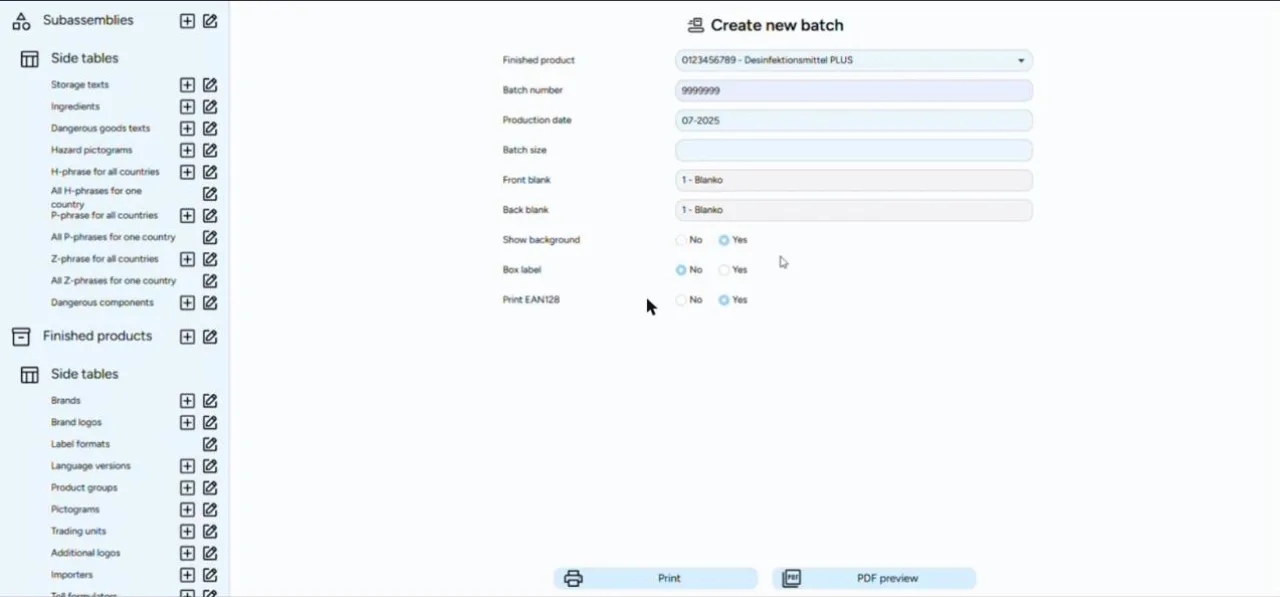
- Enter the batch number, production date and batch size.
- The matching blanks for front and back are displayed.
- Optionally print a box label and the EAN-128.
- Use “PDF preview” to check the complete label before printing.
- Click “Print”.
Good to know
- Enter the production date in the format MM-YYYY.