Create free fields
Step 3 of 6
Video 19 of 27
0:32 min
The video is only loaded from YouTube (youtube-nocookie.com) once you click.
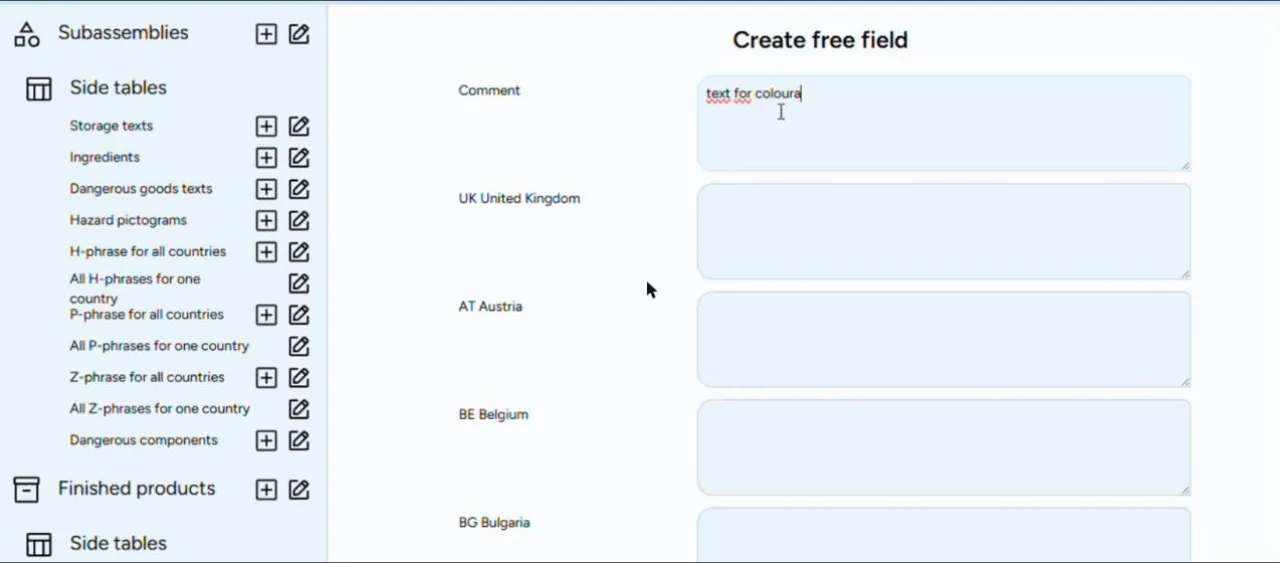
What is it about? In free fields you store marketing texts and further product information that does not belong to the fixed texts.
Step by step
- Under “Finished products” › “Side tables”, next to “Free fields”, click the plus symbol.
- Enter a comment and the text in the selected primary language.
- Add translations.
- Save with “Create”.
Good to know
- The texts are then available for selection in the product.