Label layout part 2 – Assign field content
Step 4 of 6
Video 22 of 27
2:13 min
The video is only loaded from YouTube (youtube-nocookie.com) once you click.
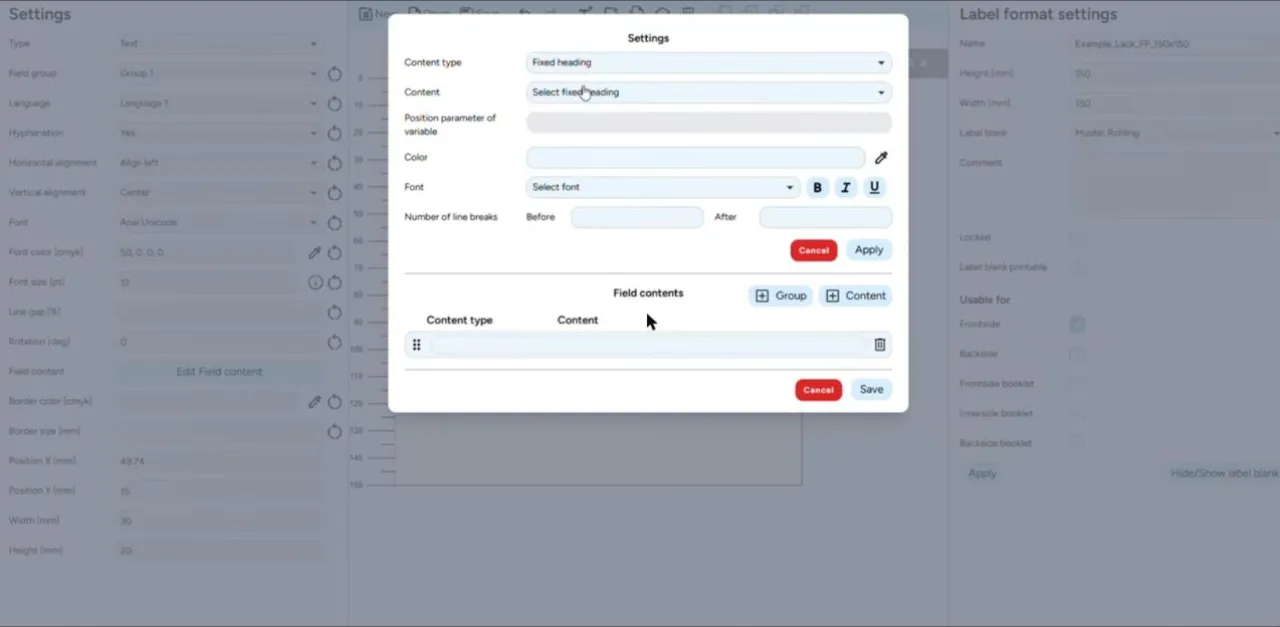
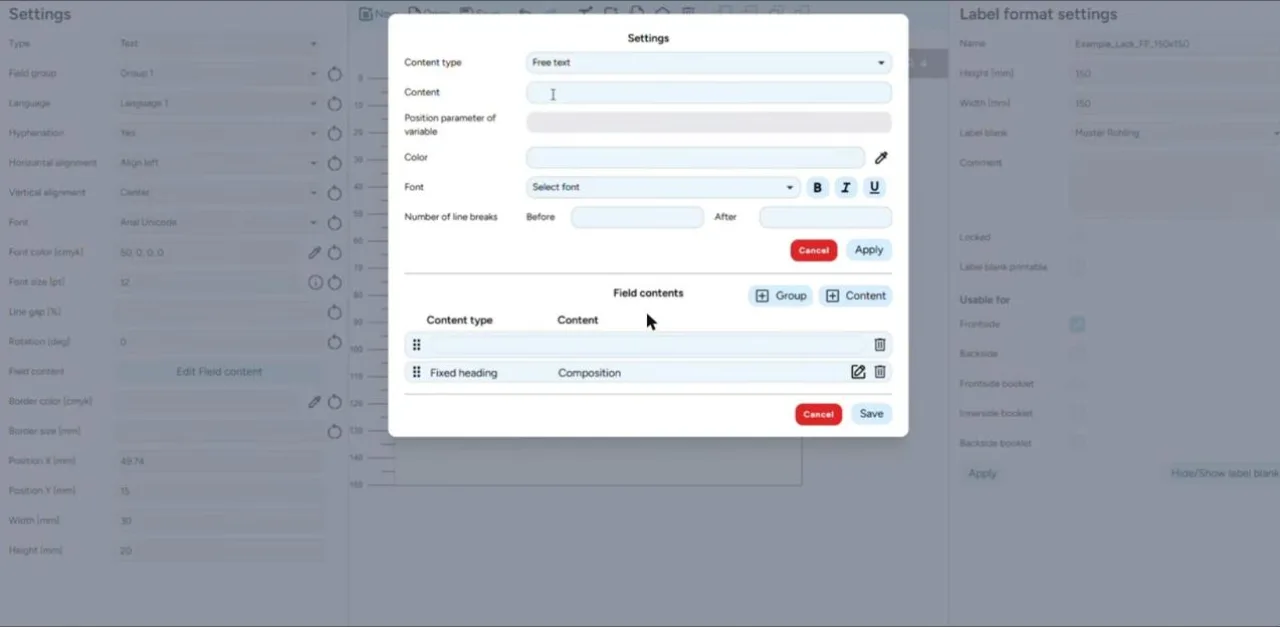
What is it about? Part 2 shows how to assign content to the fields. One field can combine fixed headings, variables, free text and dividing lines, in the example for the framework formulation.
Step by step
- Open “Edit Field content” and create groups.
- Choose the content type: fixed heading, variable, free text or dividing line.
- In the framework formulation example, combine a heading with a variable.
- Change the order of the contents, save, or undo changes.
- The same rules apply to image fields; in addition, you define the layer.
Good to know
- Free text is not translated. For multilingual texts, use fixed headings or variables.
Chapters in the video
- 0:00 Edit field content and create groups
- 0:21 Choose the content type
- 0:43 Example: composition
- 0:58 Free text
- 1:17 Add the variable and set the order
- 1:39 Save, image fields and layers