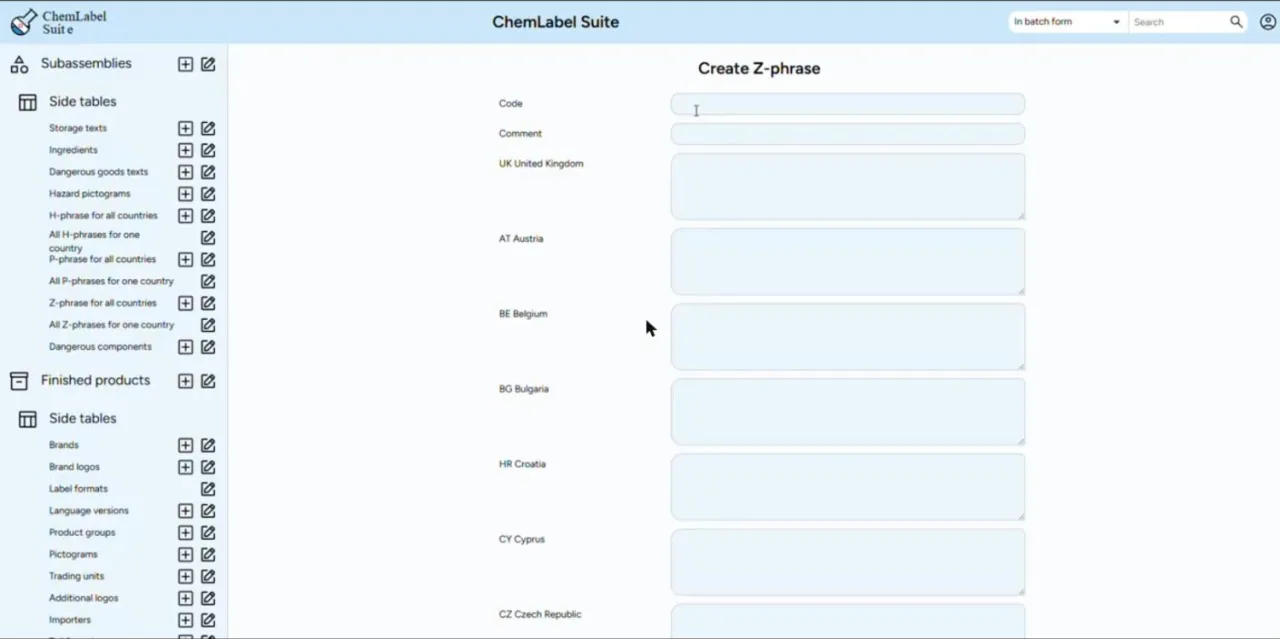
Create Z-phrases for all countries
Step 1 of 6
Video 3 of 27
0:53 min
The video is only loaded from YouTube (youtube-nocookie.com) once you click.
What is it about? Z-phrases are your own phrases for the label, for example application notes or dosage information. You create them once and maintain the translations for each country.
Step by step
- Under “Side tables”, next to “Z-phrase for all countries”, click the plus symbol.
- Enter the code and the text in the selected primary language (mandatory).
- Add translations and an optional comment, “Do not mix with other products” in the example.
- Save with “Create”.
Good to know
- Via “All Z-phrases for one country” you edit the phrases of a country together.