Label layout part 3 – Free-form fields
Step 4 of 6
Video 23 of 27
0:45 min
The video is only loaded from YouTube (youtube-nocookie.com) once you click.
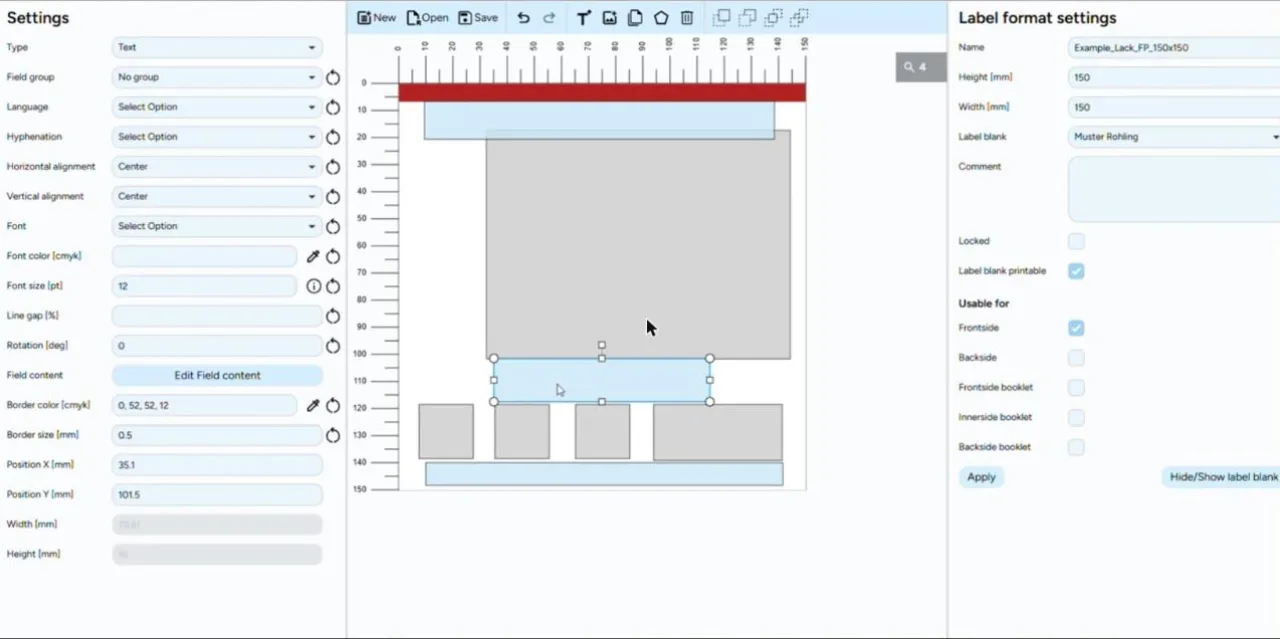
What is it about? With free-form fields you control the text flow exactly. Part 3 shows how to convert a text field, shape it and finish the layout.
Step by step
- Convert a text field into a free-form field.
- Adjust the shape by drag and drop.
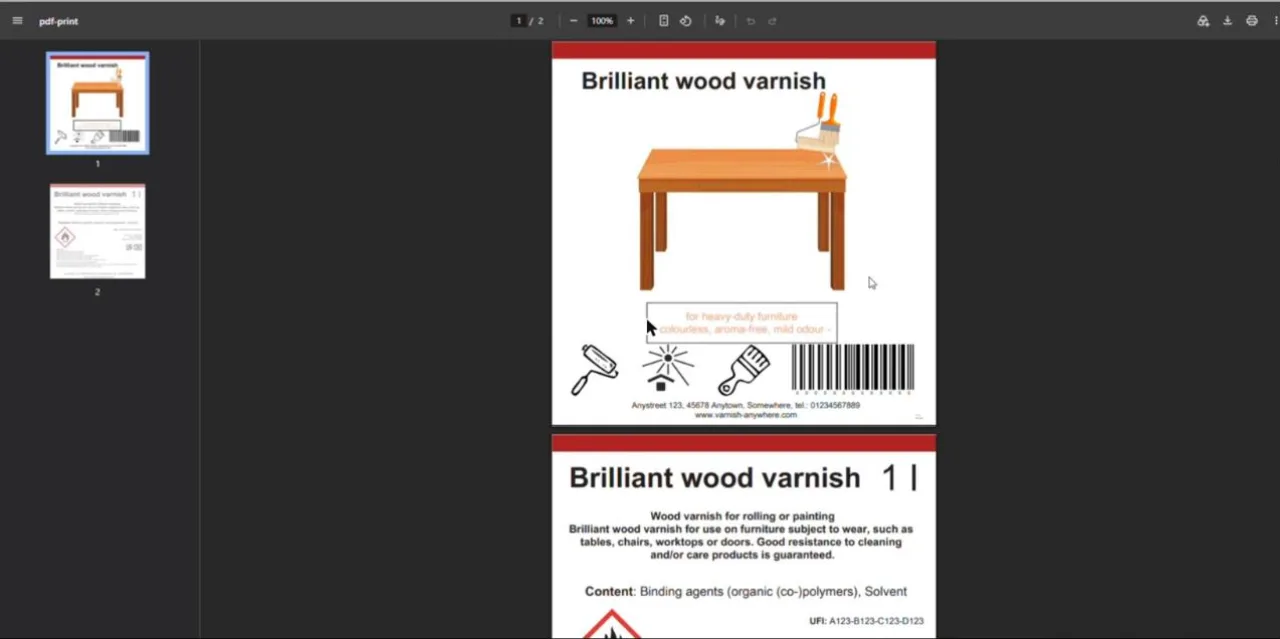
- Let the text flow around image fields.
- Save the layout.
Good to know
- You then select the saved layout in the product.
- Free-form fields exist for text fields, not for image fields.
Chapters in the video
- 0:00 Convert a text field to a free field
- 0:13 Reshape by drag and drop
- 0:29 Flow text around images and save