Create containers
Step 2 of 6
Video 12 of 27
0:53 min
The video is only loaded from YouTube (youtube-nocookie.com) once you click.
What is it about? A container describes the packaging in which your product is sold. From the capacity, the compliance checker determines the minimum size of the label.
Step by step
- Under “Finished products” › “Side tables”, next to “Trading units”, click the plus symbol.
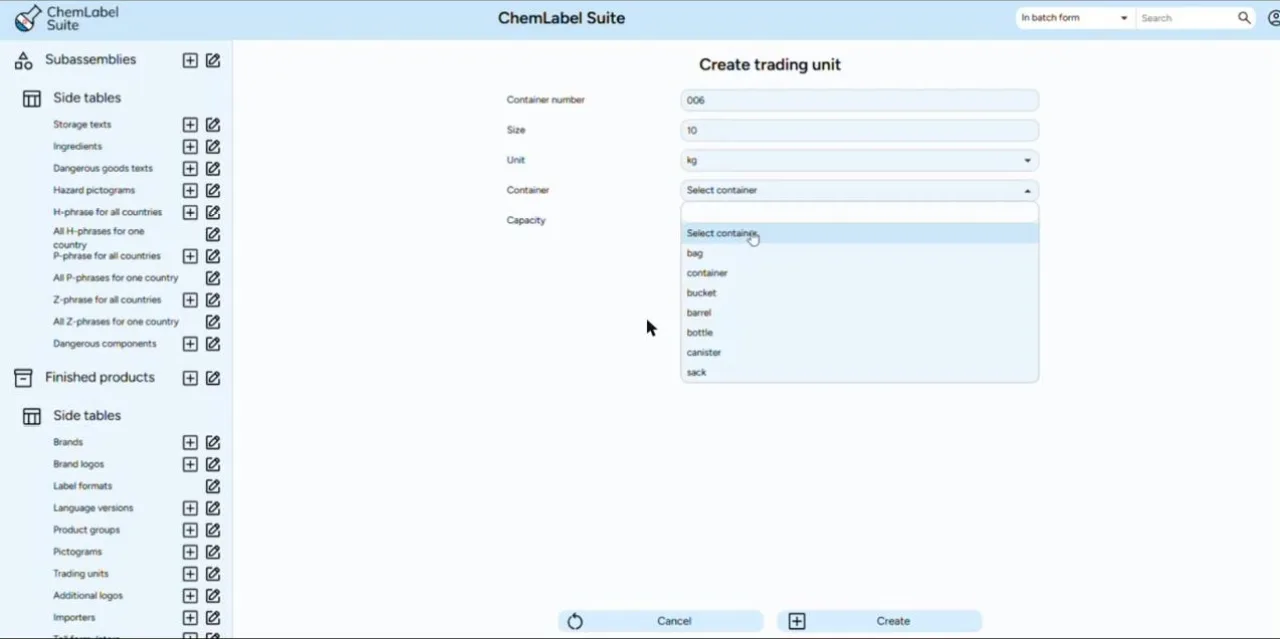
- Enter the container number, Size and Unit.
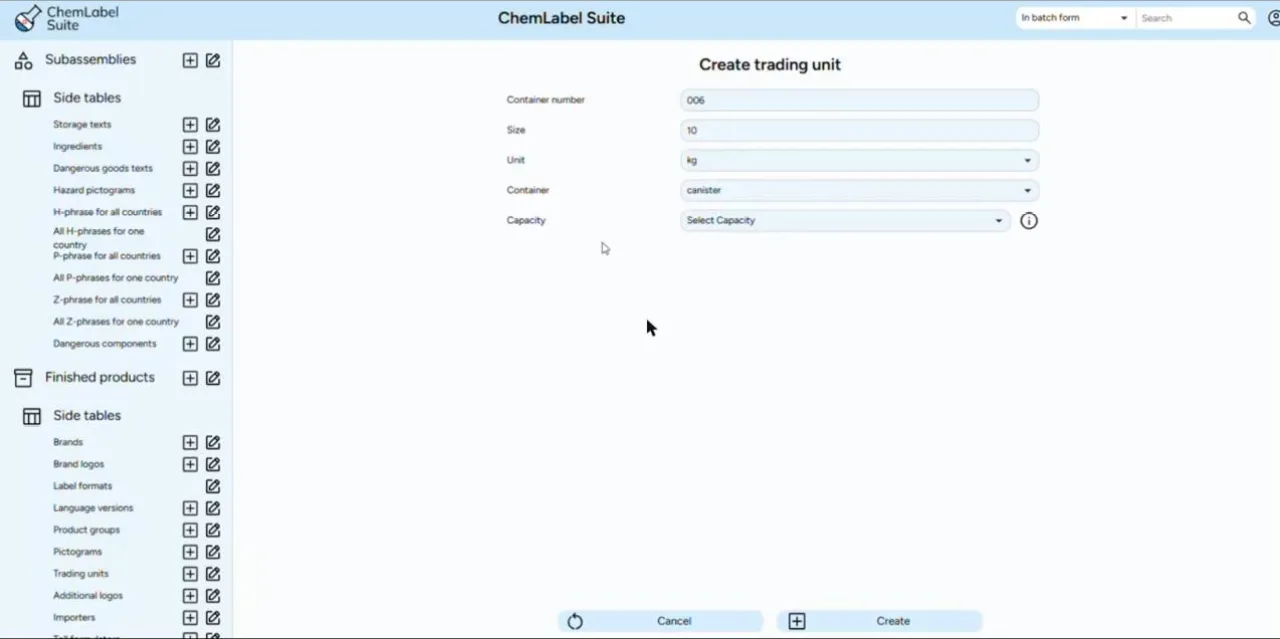
- Choose the container, a 10 kg canister in the example.
- Choose the capacity range under the CLP Regulation.
- Save with “Create”.