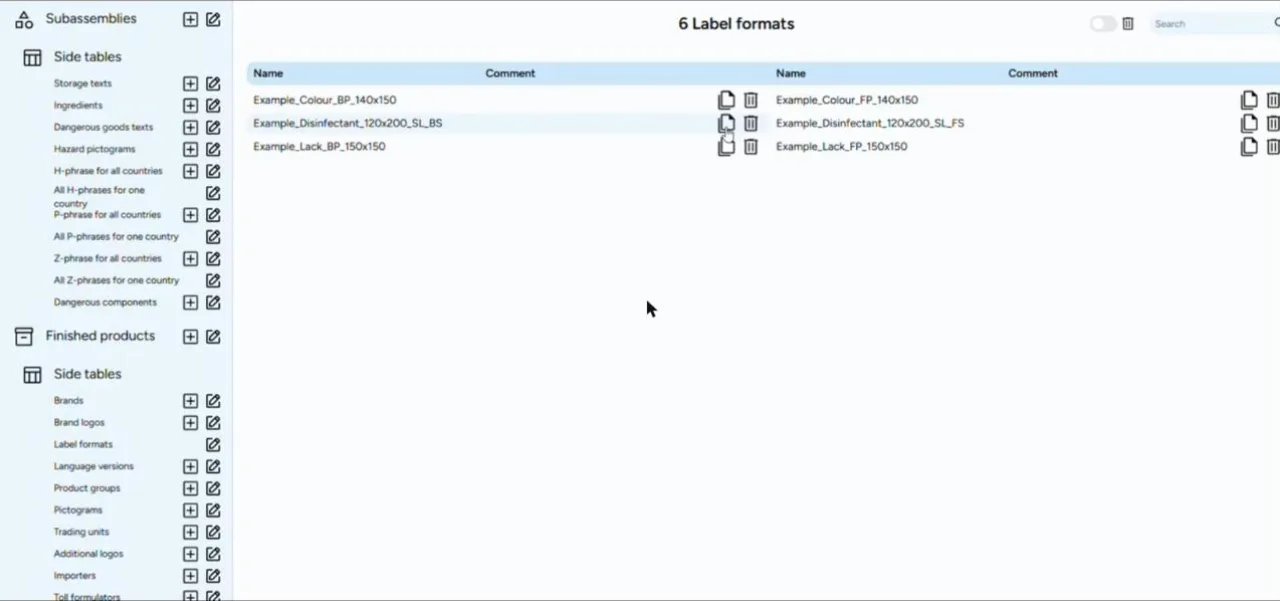
Create a similar label format
Step 4 of 6
Video 24 of 27
0:41 min
The video is only loaded from YouTube (youtube-nocookie.com) once you click.
What is it about? If you need a format that is almost the same as an existing one, copy it and change only the differences.
Step by step
- Under “Finished products” › “Label formats”, select the format.
- Click “Copy” and assign a new name.
- The new label group appears in the list immediately.
- You can edit it directly in the label editor.