Create brands and brand logos
Step 2 of 6
Video 9 of 27
0:46 min
The video is only loaded from YouTube (youtube-nocookie.com) once you click.
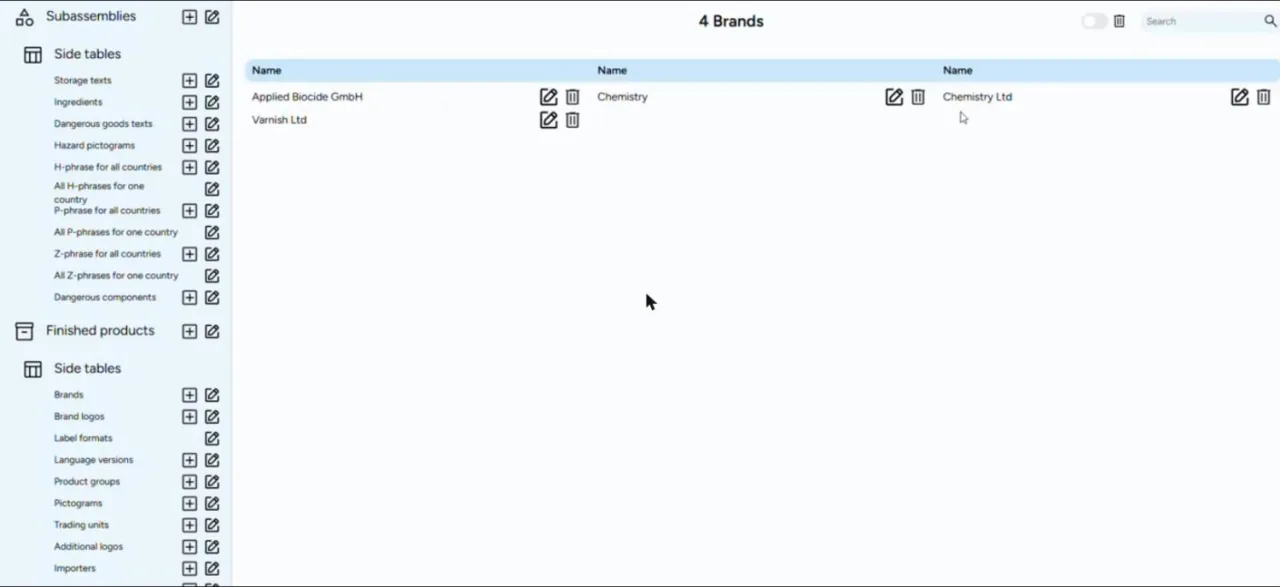
What is it about? Brands are part of the background information for the product. You create the brand name and store the address and the logo that will later appear on the label.
Step by step
- Under “Finished products” › “Side tables”, next to “Brands”, click the plus symbol.
- Enter the brand name (mandatory). Optionally add a UID and the address for the front and back of the label.
- Save with “Create”.
- Upload the logo as a PNG file under “Brand logos”.
Good to know
- In the product you select the brand and the brand logo.